
Video Collage Studio
Mix videos, photos, and GIFs into one frame
Split screen video collage maker with music, photos, and GIFs. No watermark.
Free. Nothing to install, no account.
How it is used
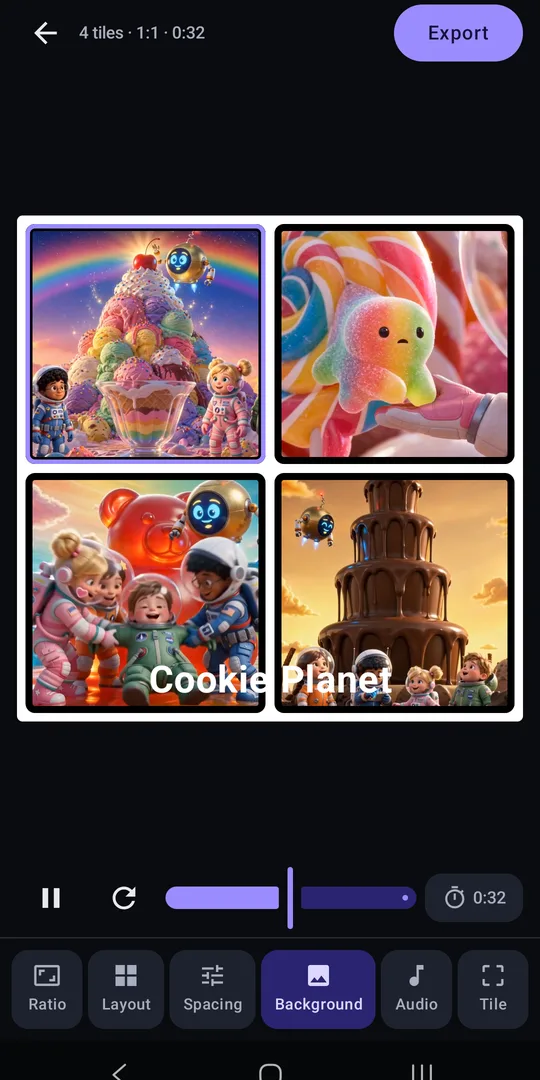
Video Collage Studio is a video collage maker that lets you combine videos side by side in one frame and save them as a single video. Make a split screen video, a video grid, a reaction video, or a before-and-after in a few taps. No watermark, no sign-up.
UP TO 6 VIDEOS, PHOTOS, OR GIFS
Mix up to 6 videos, photos, and animated GIFs in one collage. Tap New collage and the editor opens with empty tiles, in the ratio and layout you used last (9:16 with two tiles the first time). Tap an empty tile to add a video, a photo, or a GIF from your phone. On your first collage, a short guide shows you around. When it looks right, tap the lock so nothing moves by accident.
LAYOUTS AND TEMPLATES
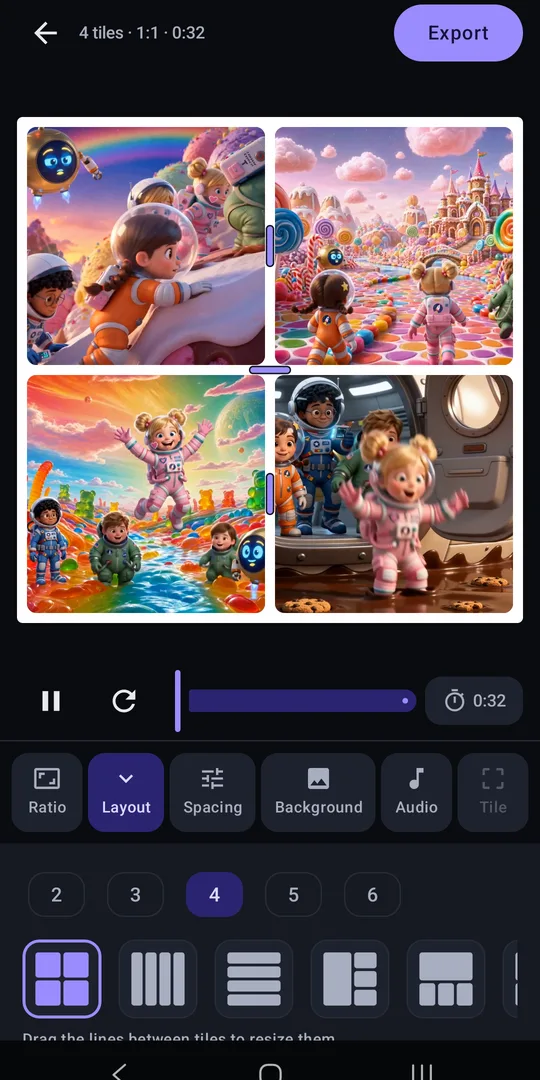
Start from one of 26 layouts, then drag the line between two tiles to resize them. Touch and hold a tile and drag it onto another to swap them. Save any collage as a template and start your next one from it.
ALL AT ONCE OR ONE AFTER ANOTHER
Let every video play at once, or have them take turns, tile by tile. Give any video a start delay and it waits on its first frame until its moment comes.
YOU SET THE LENGTH
Keep the collage as long as your longest clip, or pick a length from 1 to 60 seconds. Shorter clips repeat until the end.
EDIT EVERY TILE
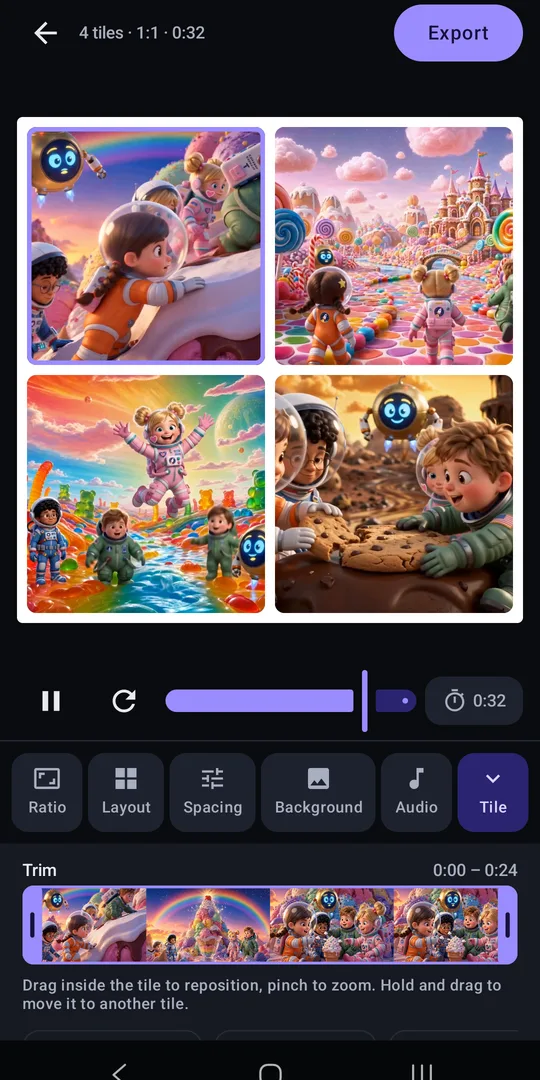
- Trim on a filmstrip of the clip's own frames
- Drag to reposition, pinch to zoom
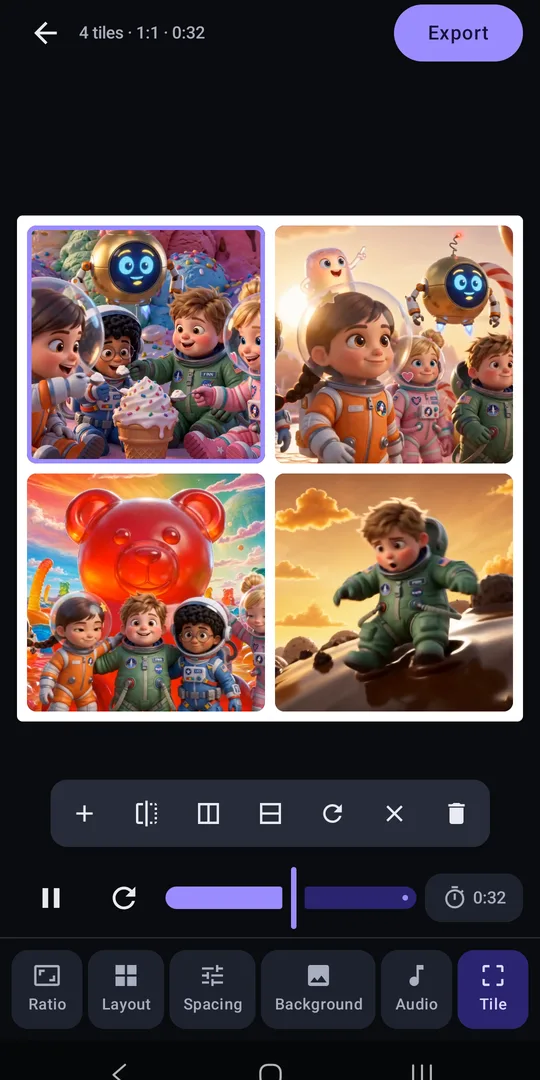
- Mirror a clip
- Mute a clip
- Replace or remove a clip without starting over
MUSIC AND SOUND
Add music or any sound from your files, pick the part that plays, and fade it in and out. A slider balances your clips' sound against the music.
ADD TEXT AND STYLE THE FRAME
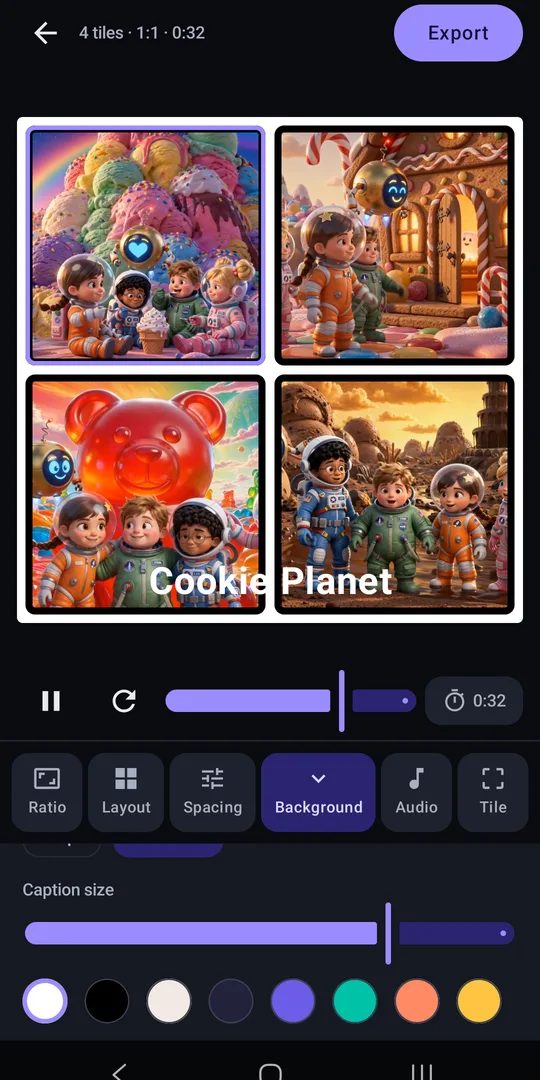
Add text anywhere: drag, resize, and rotate it, and pick from 4 fonts, a text color, and a highlight. Adjust the spacing between tiles, round their corners when the background is a solid color, and give every tile a border in any color and thickness. Behind your tiles, put any color, your own photo or video, or a blurred copy of a tile.
EDIT WHILE IT PLAYS
Your collage keeps playing while you edit. Tools open below it, never on top, and undo and redo are always one tap away.
MADE FOR EVERY FEED
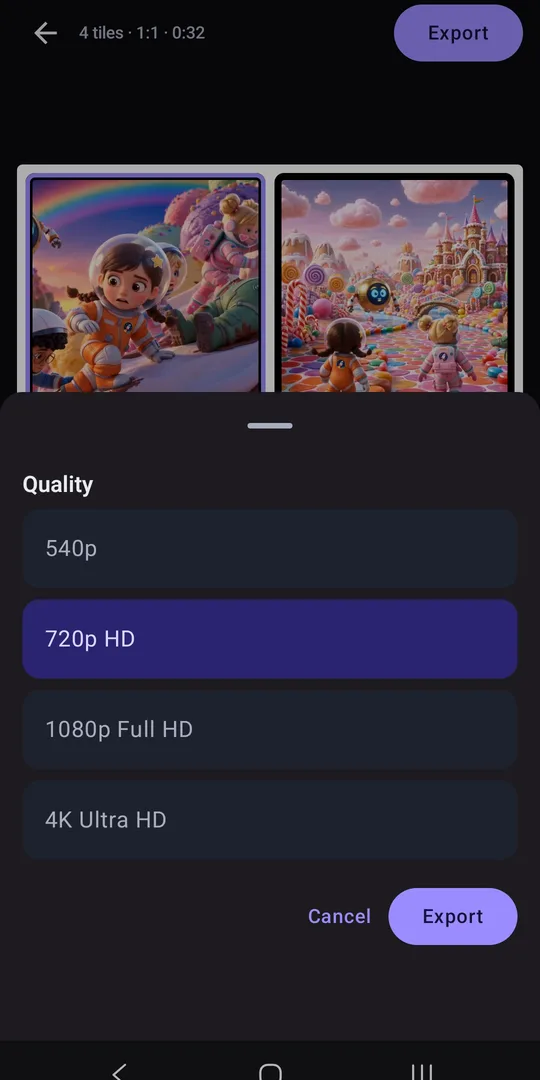
Export square (1:1), portrait (4:5, 3:4), story (9:16), widescreen (16:9), or classic (4:3), in 540p, 720p HD, 1080p Full HD, or 4K. Any quality your phone can't handle is grayed out up front. Leave the app while it exports; a notification tells you when the video is in your photos, in the Video Collage Studio album.
DRAFTS AND MY COLLAGES
Your collage saves itself as you work and waits on the home screen as a draft, just as you left it. Every collage you export also lands in My collages, where you can open it, share it again, or delete it.
FREE CREDITS, NO WATERMARK
Each export uses a few credits; higher quality uses more. You start with free credits, they refill over time, and you can earn more by watching a short ad. Credits are only used once the video is saved to your photos, so a failed export costs nothing. Need more? Buy a credit pack, or get Unlimited with a one-time purchase and every export is free from then on. Your videos never get a watermark.
YOUR MEDIA STAYS ON YOUR PHONE
Every collage is made on your phone, and the photos, videos, and sounds you pick are never uploaded. Your credit balance is kept on our server, even as a guest; sign in to keep it when you switch phones or reinstall. To help us fix problems, the app sends a crash report if it crashes, a diagnostic report if an export fails, and basic usage stats each time it opens.
IN YOUR LANGUAGE
The app speaks 20 languages, including Spanish, Chinese, Vietnamese, Korean, French, and Arabic. It follows your phone's language; switch anytime in Settings.
ADS
You'll see ads from Google AdMob and from our own ad network: a banner on the home screen, an ad card while an export runs, and the ads you choose to watch for credits. Google uses your device's advertising ID to show them. Where the law requires it, you choose how ads are personalized, and you can change that in Settings.
- The app speaks
- English, Turkish, Arabic, Dutch, French, German, Hindi, Indonesian, Italian, Japanese, Korean, Polish, Portuguese, Russian, Spanish, Thai, Ukrainian, Vietnamese, b+zh+Hant, zh
- Privacy policy
- Privacy policy