
Photo Background Remover
Remove the background, or swap it
Background eraser, no watermark. Transparent PNG or change the background.
Free. Nothing to install, no account.
How it is used
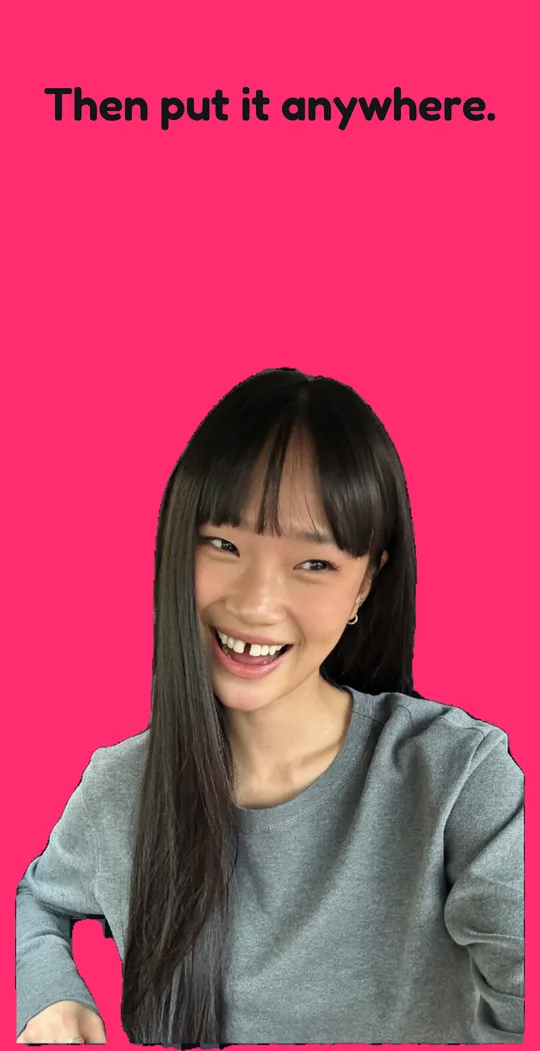
Remove the background from any photo right on your phone and save the cutout as a transparent PNG for a sticker, a thumbnail, a flyer, or a profile picture. Or change the background: put clean white behind it for a product listing, or any color, gradient, or photo you like, place the subject where you want, and save that.
It all happens on your phone. Your photo is never uploaded to a server, and nobody sees it unless you share it.
HOW IT WORKS
- Choose a photo, take one with the camera, or share one from another app.
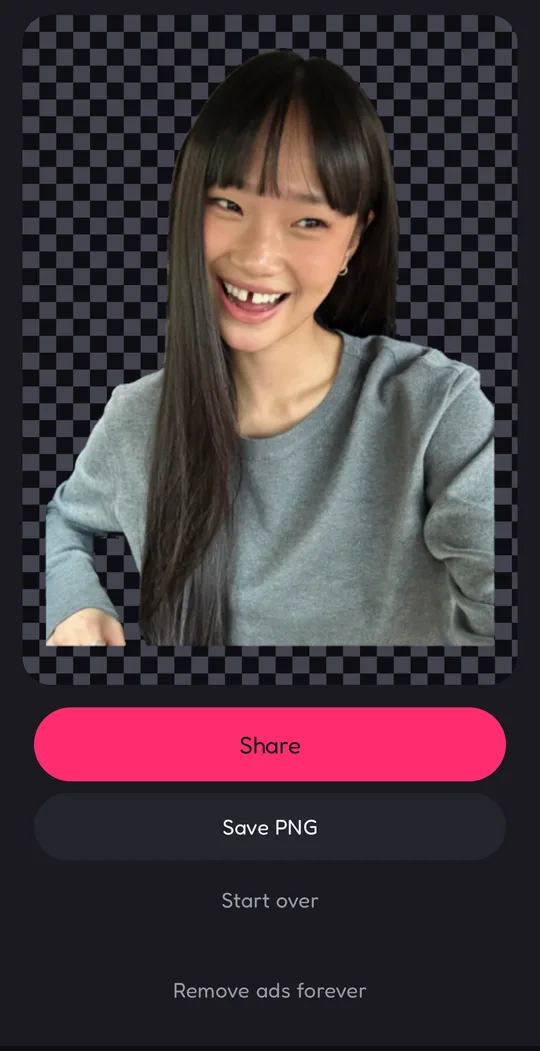
- The app finds the person, pet, or object and removes the background around it.
- Keep the background transparent, or pick a new one.
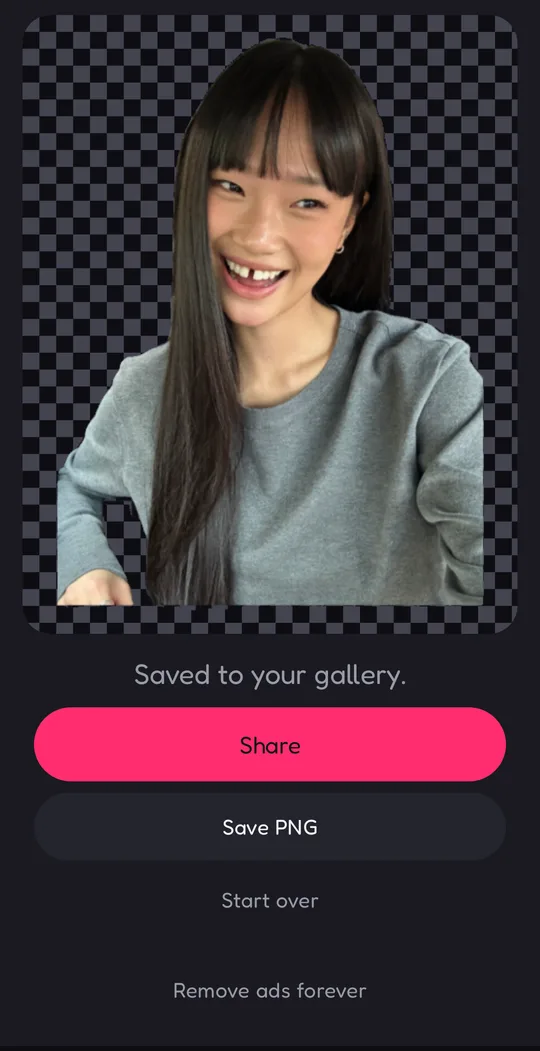
- Save it to your photos, or share it (sharing saves a copy too).
MANY PHOTOS AT ONCE
Choose up to 20 photos, or share them from another app, and they're all cut out, given the same background, and saved in one go. Each subject stays where it is in its own photo. When they're saved, share the whole set at once, or choose more photos and keep going. Handy for a batch of product shots.
SHARP EDGES AT FULL SIZE
The app finds the subject on a smaller copy of your photo, then refines every edge against the full-size original, so hair, fur, and fine outlines stay crisp instead of going soft.
NEW BACKGROUNDS
- Eight solid colors, including white and black
- Sunset, dusk, and ocean gradients
- A blurred copy of the photo itself, for a portrait look
- Any picture from your photos
Over a background, drag the subject to move it and pinch to resize it. Add a soft drop shadow or a white outline, with or without a background.
SAVE IT YOUR WAY
PNG, JPEG, or WebP, at full size (up to 4096 pixels on the long side), 2048, or 1080 pixels. A transparent cutout saves as PNG or WebP.
TOUCH UP BY HAND
No automatic cutout is perfect. Tap Touch up, then paint with Restore to bring back an edge that was missed, or with Erase to clean up what was left behind. The brush has a soft edge and you set its size. Pinch to zoom, switch to Pan to move around the photo with one finger, and undo anything you don't like.
WORKS BEST ON
- People and portraits, hair included
- Pets and fur
- Products, objects, and packaging
WHERE IT STRUGGLES
Glass and see-through objects come out as solid shapes. A pale subject against a bright background, like a white flower in front of a sunny window, can lose its lightest parts. If a result looks off, a different photo usually does better.
CREDITS
Each image you save uses 1 credit, and Save & share counts as one save. Sharing a finished batch uses no extra credits. You start with 5 free credits, and every 8 hours you get a free one back (only 1 builds up while you're away). Out of credits? Watch a short ad for 1 more credit, or buy a credit pack of 30, 100, or 300. Unlimited is a one-time purchase: save as much as you like, with no credits and no ads.
The ads come from ZaparoAds, our own ad network, and can include paid ads from other advertisers.
NO SIGN-UP, NO PHOTO PERMISSION
You use the app as a guest, so there's no account to create and nothing to sign in to. Your credit balance is kept on our server without your name or email. Your photos never go there, and you can delete your balance and credit history anytime in Settings. The app doesn't ask for access to your photos: Android's photo picker hands over only the pictures you choose.
- The app speaks
- English, Turkish
- Privacy policy
- Privacy policy